
Stability and Release Checklist
Stability and Release Checklist
This checklist is used to confirm that FastBee-Arduino can be built, deployed and run long-term on the corresponding chip before every feature change, release and field deployment.
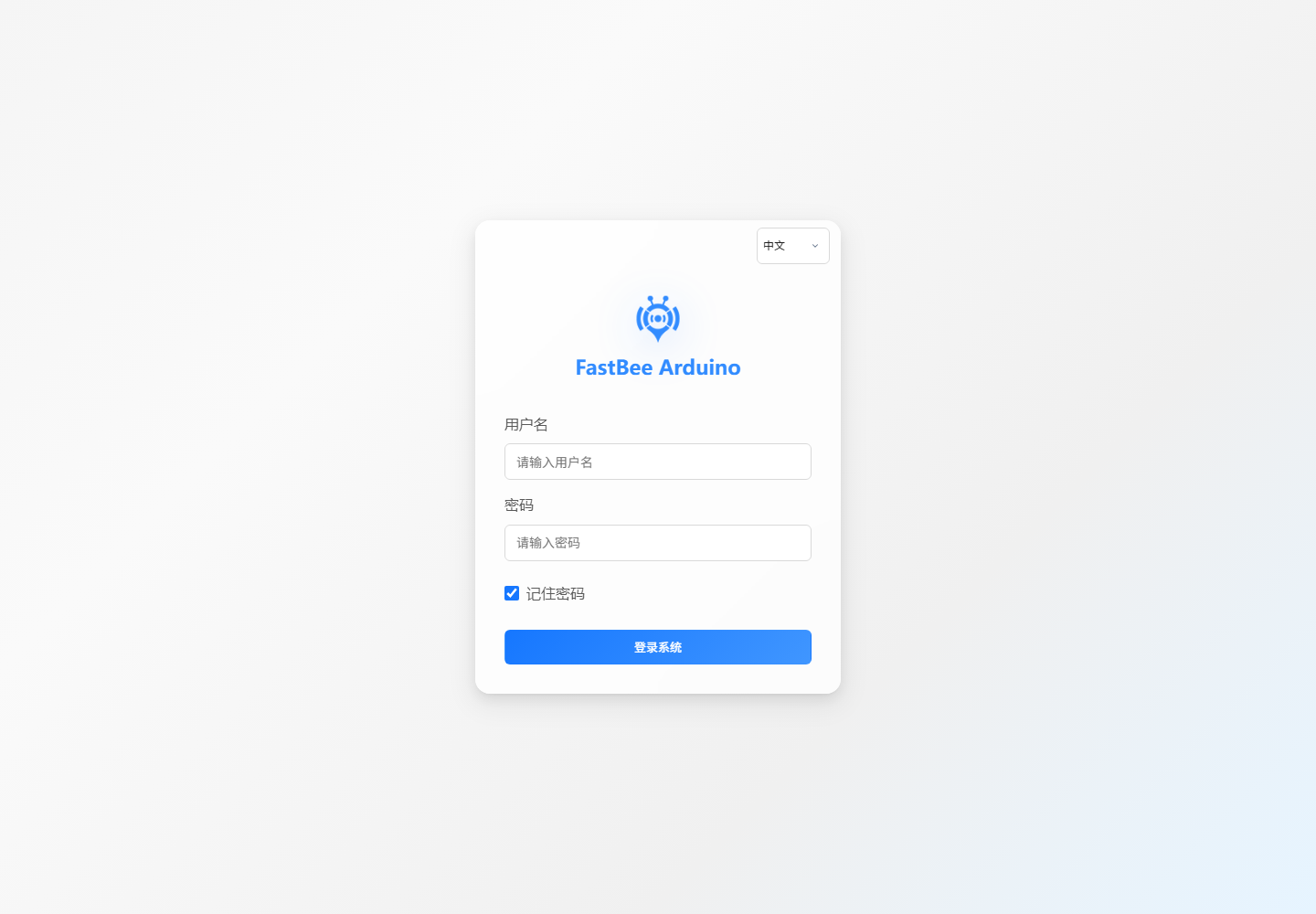
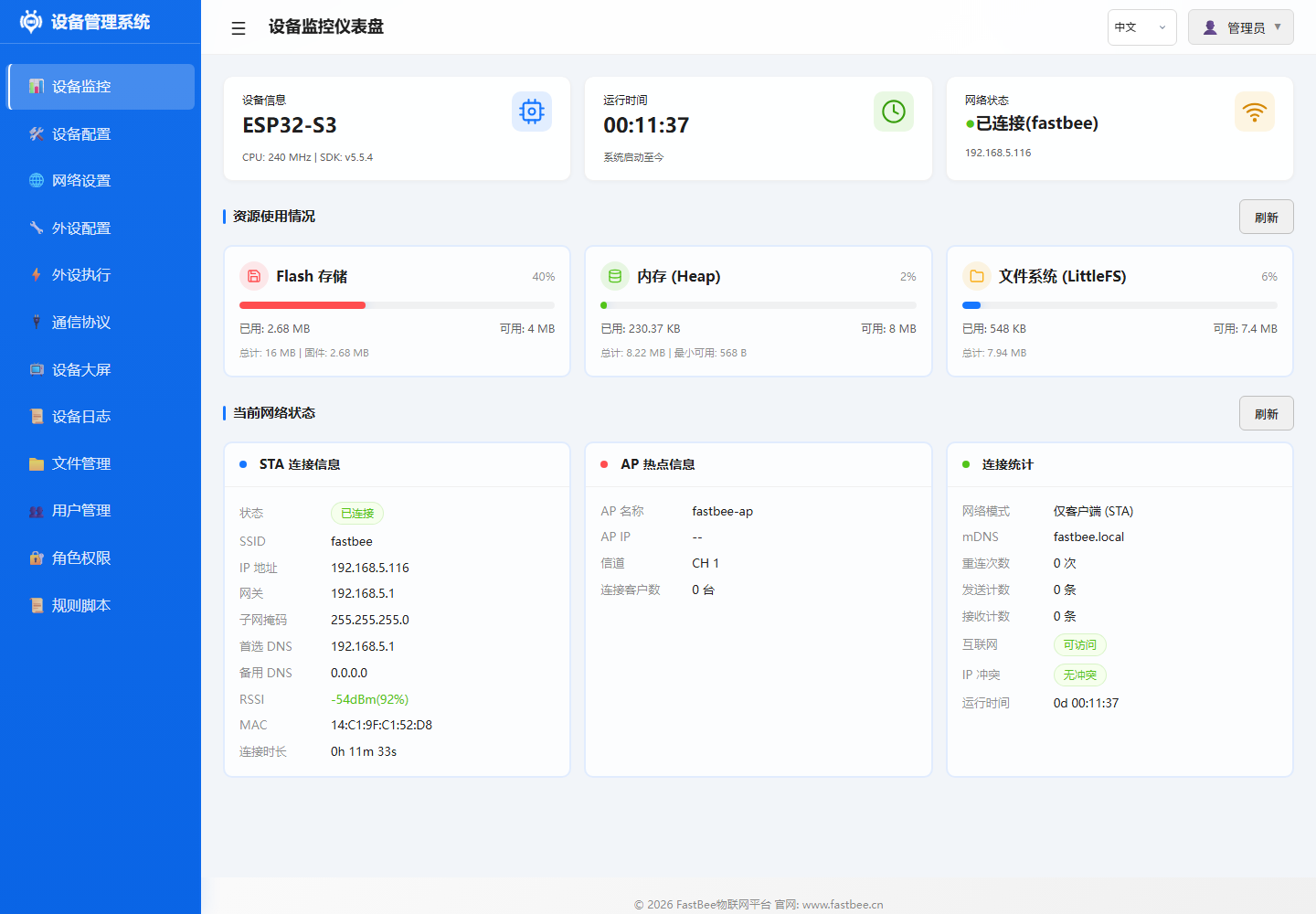
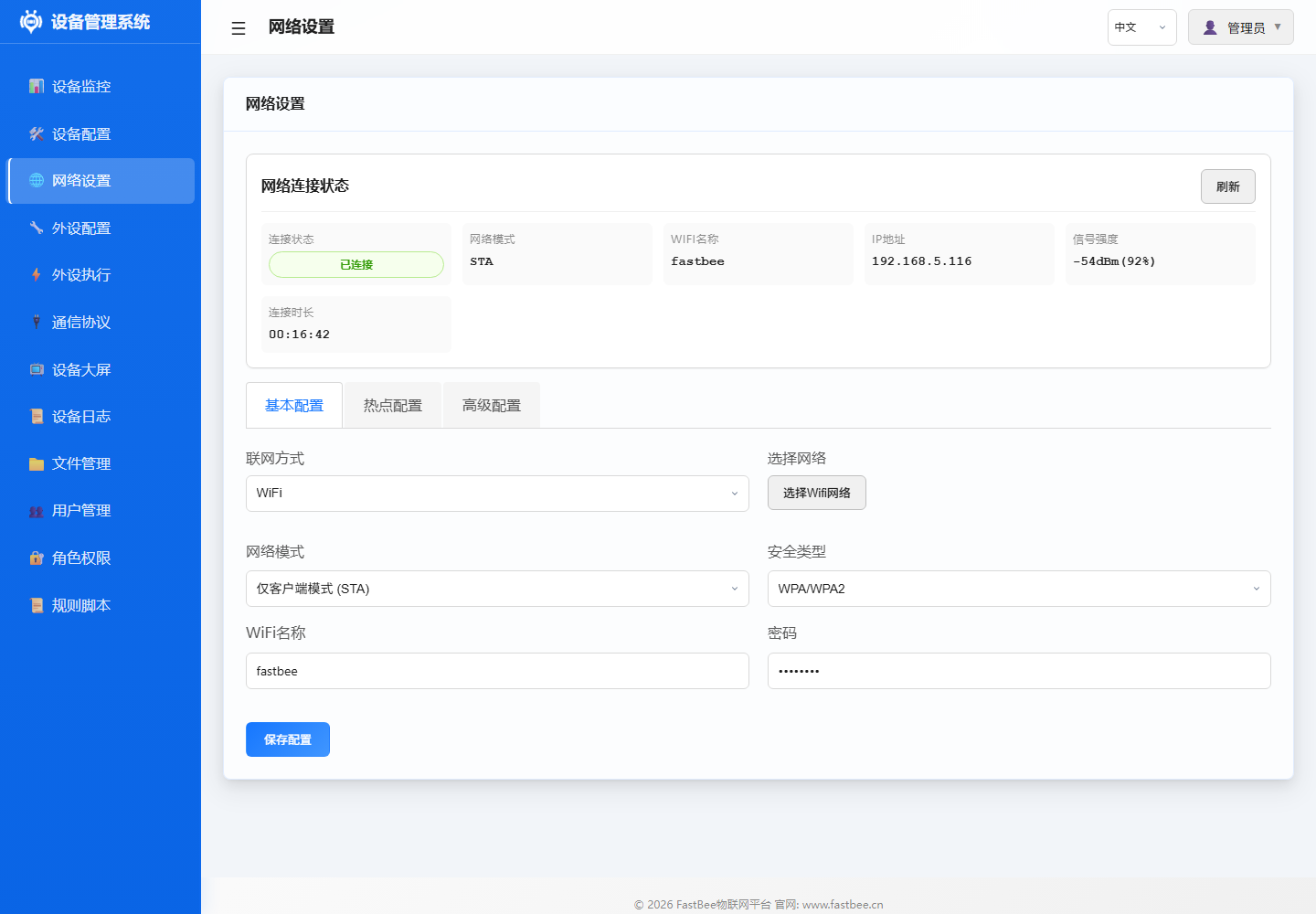
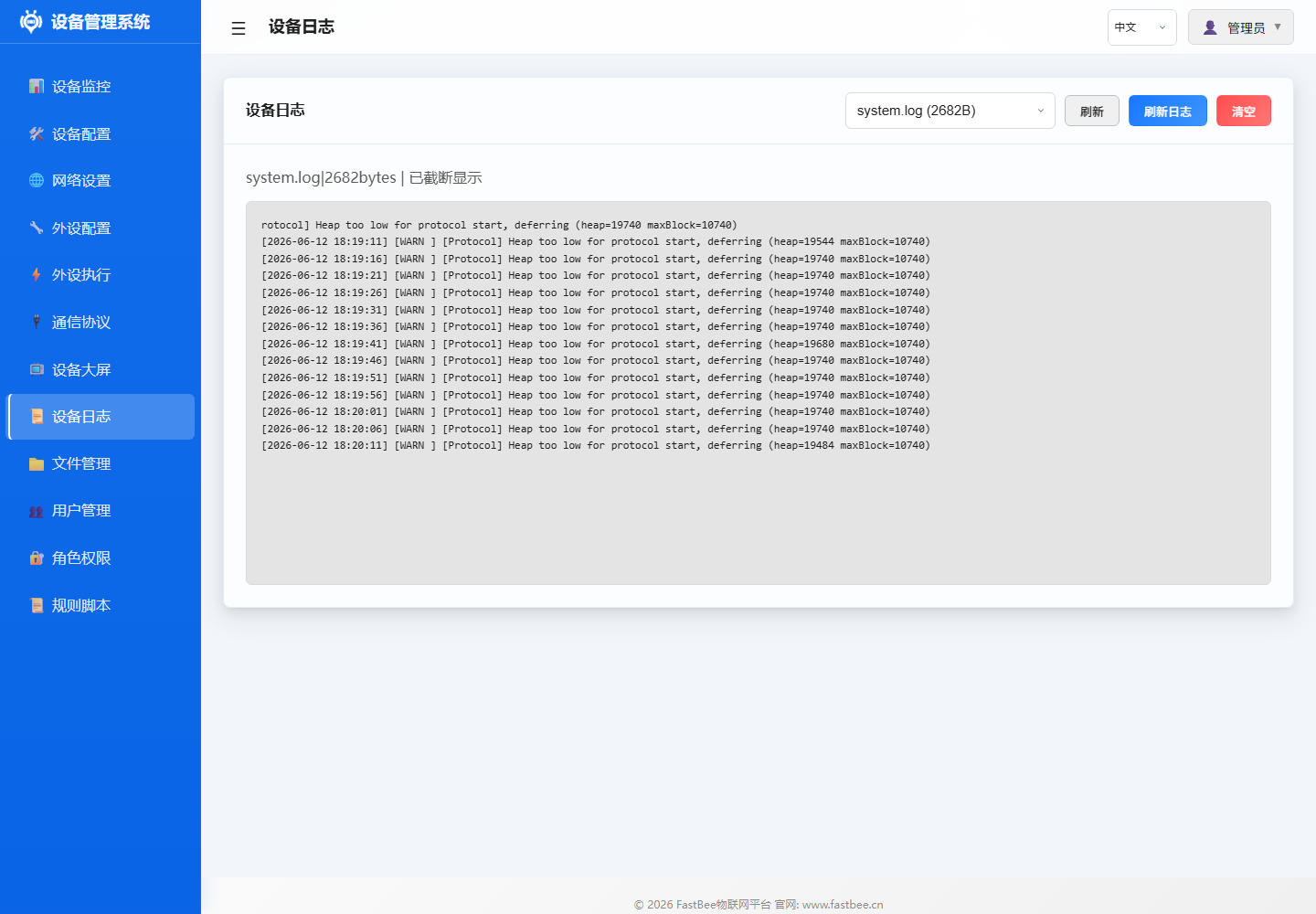
Before release, in addition to script checks, manual confirmation of key Web console pages is also needed: dashboard status is normal after login, network is online, logs have no abnormal alerts, file/config backup is accessible.
Release checks should follow the test pyramid, escalating from low-cost checks to build, device smoke and long-term stability verification.
Test layers and smoke flow are detailed in Deploy, Flash & Test. This checklist only lists the items that must be verified before release.
Only proceed to long-term stability after smoke tests pass; if auth, network, edition capability or resource metrics are already abnormal during smoke, locate the issue first and re-flash firmware or rollback config.
1. Local Environment Check
powershell -ExecutionPolicy Bypass -File scripts\doctor.ps1 -Port COM6Check items include PlatformIO, Node.js, Git, serial port, native test toolchain and test directory tracking status. When native tests are needed, add:
powershell -ExecutionPolicy Bypass -File scripts\doctor.ps1 -Port COM6 -RequireNativeToolchain2. Static Checks and Native Unit Tests
Static checks cover UTF-8 text format, default config validity, i18n completeness, Web frontend smoke and Git whitespace:
powershell -ExecutionPolicy Bypass -Command ".\scripts\test-all.ps1 -Checks doctor,static -Port COM6"Native unit tests require MSYS2 g++ toolchain, scripts auto-search common paths (D:\msys64\ucrt64\bin etc.):
powershell -ExecutionPolicy Bypass -Command ".\scripts\test-all.ps1 -Checks native -Port COM6"You can also specify the toolchain path via environment variable FASTBEE_NATIVE_TOOLCHAIN_BIN.
3. Full Build Baseline
powershell -ExecutionPolicy Bypass -Command ".\scripts\test-all.ps1 -Checks doctor,static,build,artifacts -Port COM6"Covers 7 release environments (see Edition Comparison for edition differences and feature switch matrix):
| Environment | Tier | Flash / PSRAM | Partition Table |
|---|---|---|---|
esp32c3-F4R0 | Lite | 4MB / — | fastbee.csv |
esp32c6-F4R0 | Lite | 4MB / — | fastbee.csv |
esp32-F4R0 | Standard | 4MB / — | fastbee.csv |
esp32s3-F8R0 | Standard+OTA | 8MB / — | fastbee-8MB.csv |
esp32-F8R4 | Full | 8MB / 4MB | fastbee-8MB.csv |
esp32s3-F8R4 | Full | 8MB / 4MB | fastbee-8MB.csv |
esp32s3-F16R8 | Full | 16MB / 8MB | fastbee-16MB.csv |
Default config strategy: peripheral templates and peripheral exec rules are factory-disabled, only enabled after on-site wiring verification.
4. Deployment
Standard deployment uses the unified entry point, port is passed as parameter, not dependent on platformio.ini fixed serial port:
powershell -ExecutionPolicy Bypass -File scripts\deploy.ps1 -Env esp32s3-F16R8 -Port COM6Update filesystem only:
powershell -ExecutionPolicy Bypass -File scripts\deploy.ps1 -Env esp32s3-F16R8 -Port COM6 -SkipFirmwareUpdate firmware only:
powershell -ExecutionPolicy Bypass -File scripts\deploy.ps1 -Env esp32s3-F16R8 -Port COM6 -SkipFsBefore deployment, the script automatically performs: residual process cleanup (esptool/python/xtensa toolchain) → build cache integrity check (auto clean when libFrameworkArduino.a is missing or bootloader.bin is locked) → doctor environment check. Build failures trigger automatic clean + rebuild once.
Other deployment options:
# Skip doctor (environment already confirmed)
powershell -ExecutionPolicy Bypass -File scripts\deploy.ps1 -Env esp32s3-F16R8 -Port COM6 -SkipDoctor

# Build only, no flash
powershell -ExecutionPolicy Bypass -File scripts\deploy.ps1 -Env esp32s3-F16R8 -BuildOnly

# Open serial monitor after deploy
powershell -ExecutionPolicy Bypass -File scripts\deploy.ps1 -Env esp32s3-F16R8 -Port COM6 -Monitor
5. Device Smoke Test
powershell -ExecutionPolicy Bypass -File scripts\smoke-test-device.ps1 -BaseUrl http://192.168.5.116 -Profile full -RequireNetworkConnectedWhen the field requires MQTT to have completed auth connection:
powershell -ExecutionPolicy Bypass -File scripts\smoke-test-device.ps1 -BaseUrl http://192.168.5.116 -Profile full -RequireNetworkConnected -RequireMqttConnectedSmoke test cases are driven by scripts/device-api-test-matrix.json, filtered by Profile (lite/standard/full), verification items include:
| Category | Verified Interfaces |
|---|---|
| Auth | Login session, multi-session coexistence, Bearer token priority over legacy Cookie |
| System | /api/health, /api/system/health, /api/system/status, /api/system/info?probe=1 (heap/maxAlloc, Full checks PSRAM), /api/system/metrics (memguard), /api/system/web-runtime, /api/system/capabilities (validate feature switches by tier) |
| Device | /api/device/config, /api/device/info, /api/device/time |
| Network | /api/network/status (status / connected / deviceNetworkType / ipAddress), /api/network/config |
| Protocol | MQTT status, MQTT config, Modbus status (Standard/Full), protocol config |
| Peripherals | Peripheral list, peripheral types, peripheral exec rules, exec controls, trigger types, static/dynamic events |
| Config Migration | List, single file export, multi-file export, import roundtrip |
| Full Additional | Filesystem, log list/tail/info, OTA status, rule scripts, user/role/permissions, /api/batch sub-requests all succeed |
6. Long-term Stability
In the long-term stability phase, focus on trends, not just whether the last round succeeded. If CSV shows continuously rising latency, declining heap/maxAlloc, intermittent failures on the same interface, or occasional auth failures, classify the root cause first before deciding whether to fix, reduce frequency, disable high-risk features, or rollback the release.
Release-level Threshold Presets
Long-term stability thresholds are managed by scripts/device-stability-thresholds.json, defining release-level gates for Lite / Standard / Full tiers separately. Use -StabilityPreset release to automatically apply, no need to manually fill parameters:
powershell -ExecutionPolicy Bypass -File scripts\soak-test-device.ps1 -BaseUrl http://192.168.5.116 -Profile full -Rounds 100 -StabilityPreset release -RequireNetworkConnected -ReportPath .pio\test-results\soak-full.csvWhen using the unified test-all.ps1 entry, preset parameters are automatically passed through to the soak script:
powershell -ExecutionPolicy Bypass -Command ".\scripts\test-all.ps1 -Checks device-soak -StabilityPreset release -SoakRounds 100 -DeviceProfile full"If you need to temporarily relax or tighten a threshold, pass parameters directly to override presets (scripts will annotate the source in startup logs):
powershell -ExecutionPolicy Bypass -File scripts\soak-test-device.ps1 -BaseUrl http://192.168.5.116 -Profile full -Rounds 100 -StabilityPreset release -MaxP95LatencyMs 8000 -MinHeapFreeBytes 30000Threshold matrix validation is handled by scripts/validate-stability-thresholds.js, included in static checks. Validation items include: three-tier field completeness, numerical validity, Full tier PSRAM requirement, and Lite ≤ Standard ≤ Full monotonically increasing constraint.
CSV report records each interface's status, latency, failure reason, heapFree, heapMaxAlloc, psramFree and psramTotal. If intermittent 503 Low memory occurs, prioritize checking heap/maxAlloc and interface name around the first failure.
Key Parameters:
| Parameter | Default | Description |
|---|---|---|
-Rounds | 60 | Loop rounds, ≥ 100 recommended for release |
-TimeoutSec | 10 | Single request timeout (seconds) |
-RetryCount | 1 | Transient error retry count |
-DelayMs | 500 | Request interval (milliseconds) |
-StabilityPreset | disabled | Threshold preset, release auto-applies release-level gates from device-stability-thresholds.json |
-MaxFailureRatePercent | 0 | Tolerable failure rate, 0 means zero tolerance (can omit when preset is filled) |
-AuthChecksEvery | 0 | Re-verify login every N rounds, 0 means no repeated verification |
7. Release Artifacts
powershell -ExecutionPolicy Bypass -File scripts\build-all-artifacts.ps1 -CleanOutputdist\firmware\all-latest\manifest.json records environment, version, hardware, deploy commands, file sizes, SHA-256 and smoke status placeholders. Artifact naming: fastbee-{chip}-F{flash}R{psram}.bin (e.g., fastbee-esp32s3-F16R8.bin, fastbee-esp32c3-F4R0.bin). Real device smoke/soak results should be synced to release records before publishing.
When only flashing an existing release package on-site, use:
powershell -ExecutionPolicy Bypass -File scripts\flash-release.ps1 -Env esp32s3-F16R8 -Port COM6This writes the merged image from dist\firmware\all-latest for the target environment (default baud 921600), suitable for recovering interrupted upgrades or mass production flashing. Add -DryRun to preview without writing.
8. Field Troubleshooting
Field troubleshooting should first confirm whether the Web console is reachable, then check dashboard resource status, then locate MQTT, peripheral rules and config files.
When low memory or intermittent interface failures occur, prioritize collecting:
/api/healthor/api/system/health/api/system/info?probe=1/api/network/status/api/mqtt/status/api/system/metrics(memguard level, heap trend)- CSV output from
scripts\soak-test-device.ps1 - Serial logs:
python scripts\serial-diagnostics.py COM6 --duration 60
Full edition must confirm psramTotal > 0. If Full firmware runs without PSRAM, heavy interfaces like files, logs, users, roles, rule scripts are more likely to trigger low-memory protection.
9. Error Codes and Troubleshooting Guide
Error localization should prioritize using unified error codes from include/core/ErrorCodes.h, combined with /api/system/info?probe=1, /api/network/status, /api/mqtt/status, /api/system/metrics, device logs and serial logs. Field records should include at least: device ID, firmware version, edition tier, hardware model, network environment, failure time, last operation, error code, log snippet and recovery method.
Error Code Ranges
| Range | Module | Typical Error Codes | Troubleshooting Direction |
|---|---|---|---|
0 | Success | OK | — |
1-99 | General | ERR_INVALID_PARAM, ERR_TIMEOUT, ERR_OUT_OF_MEMORY, ERR_NOT_SUPPORTED, ERR_NOT_FOUND | Param validity, interface timeout, memory margin, feature enabled |
100-199 | Storage/Config | ERR_FS_INIT_FAILED, ERR_FILE_NOT_FOUND, ERR_CONFIG_LOAD_FAILED, ERR_CONFIG_SAVE_FAILED, ERR_CONFIG_INVALID, ERR_NVS_WRITE_FAILED | LittleFS mount, JSON format, NVS read/write, config write interrupted |
200-299 | Network | ERR_WIFI_CONNECT_FAILED, ERR_WIFI_DNS_FAILED, ERR_WIFI_MDNS_FAILED, ERR_AP_START_FAILED, ERR_NETWORK_UNREACHABLE, ERR_WIFI_IP_CONFLICT | SSID/password, signal, DHCP, DNS, mDNS, gateway, IP conflict |
300-399 | Protocol | ERR_MQTT_CONNECT_FAILED, ERR_MQTT_PUBLISH_FAILED, ERR_MODBUS_RECV_FAILED | Broker, Topic, auth, serial params, slave address |
400-499 | Security | ERR_AUTH_FAILED, ERR_AUTH_TOKEN_EXPIRED, ERR_AUTH_PERMISSION_DENIED, ERR_SESSION_EXPIRED, ERR_ACCOUNT_LOCKED | User, role, Token, browser Cookie, account lockout |
500-599 | Web Service | ERR_WEB_SERVER_INIT_FAILED, ERR_WEB_HANDLER_FAILED, ERR_WEB_PARSE_FAILED, ERR_WEB_UPLOAD_FAILED | API params, upload payload, JSON request body, route registration |
600-699 | System Service | ERR_LOW_MEMORY, ERR_HIGH_CPU_USAGE, ERR_OTA_VERIFY_FAILED, ERR_OTA_INSTALL_FAILED, ERR_GPIO_CONFIG_FAILED, ERR_TASK_CREATE_FAILED | Memory gating, OTA package verification, pin conflict, FreeRTOS task creation |
Common Symptom Troubleshooting
| Symptom | Priority Collection | Possible Causes | Recommended Action |
|---|---|---|---|
| Device not coming online | /api/network/status, serial boot logs | WiFi misconfigured, DHCP failed, DNS failed, IP conflict | Enter AP to reconfigure, confirm router, SSID, password and IP policy |
| MQTT not online | /api/mqtt/status, Broker logs | Server unreachable, wrong credentials, Topic prefix mismatch | Verify server, port, TLS, username/password and Topic |
| Data not reporting | MQTT status, peripheral config, event logs | Peripheral not enabled, rule not triggered, publish failed | Manually read peripheral first, then verify rule and report Topic |
| Command no response | Platform dispatch records, device event logs | Duplicate messageId, wrong command format, insufficient permissions | Verify unified message envelope, command name, params and response Topic |
| Config not taking effect | Config file, API response, restart logs | Invalid field, restart required, save failed | Check ERR_INVALID_PARAM or ERR_CONFIG_SAVE_FAILED, use config migration to rollback |
| OTA failed | /api/ota/status, upgrade logs | Download failed, wrong package type, SHA-256 mismatch | Re-upgrade with release package, confirm Full PSRAM available, 4MB devices don't support OTA |
| Device repeatedly restarting | Serial logs, restart reason, heap | Watchdog, stack overflow, low memory, faulty peripheral | Disable recently added rules/peripherals, collect pre-restart logs, check ERR_LOW_MEMORY |
| No serial output | Serial port, baud rate, power | Wrong port, insufficient power, firmware not booted | Check flash port, power supply, voltage level and boot pins |
| Sensor data abnormal | Peripheral config, wiring, I2C/UART scan | Wrong pin, wrong address, unstable power | Verify pin, address, power and sampling period per peripheral manual |
| Abnormal after long run | soak CSV, heap trend, log tail | Memory fragmentation, concurrent interfaces, frequent file writes | Reduce polling frequency, disable heavy interfaces, check memguard level, re-test heap/maxAlloc |
| ESP32-S3 IR remote abnormal | Peripheral config | RMT driver conflict (IR library disabled on ESP32-S3) | ESP32-S3 env does not support IR remote, use ESP32 or ESP32-C3 instead |
Field Recovery Sequence
- First confirm power, serial logs and boot stage are normal.
- Then check edition tier, heap, maxAlloc and PSRAM in
/api/system/info?probe=1. - Check memguard level in
/api/system/metricsto assess memory pressure. - Check network status and MQTT status, distinguish "device offline" from "platform not connected".
- Check recently modified config, peripherals, rules and protocol parameters.
- If config is suspected corrupted, use config migration (
/api/config/transfer) to export backup, then restore default config or import verified backup. - If Full edition OTA fails, use
flash-release.ps1to flash a verified release package, then re-run smoke. - After field recovery, must run the corresponding edition's smoke test, and record error code, root cause and resolution in release records.