
Server System Optimization
Less than 1 minute
Server System Optimization
Run system optimization before deployment or benchmarking.
Why Optimize The Server?
TCP Port Limits
Each MQTT connection consumes a TCP port. Linux dynamic/private ports are usually in the range 49152-65535, which provides only 16,384 ports by default. High-concurrency MQTT scenarios should expand the usable local port range and tune network queues.
File Descriptor Limits
Global file descriptor limits can cause additional TCP connections to fail. Increase both global and service-level limits before high-connection tests.
Memory Allocation
Edit /etc/sysctl.conf:
vi /etc/sysctl.confAdd:
vm.overcommit_memory=1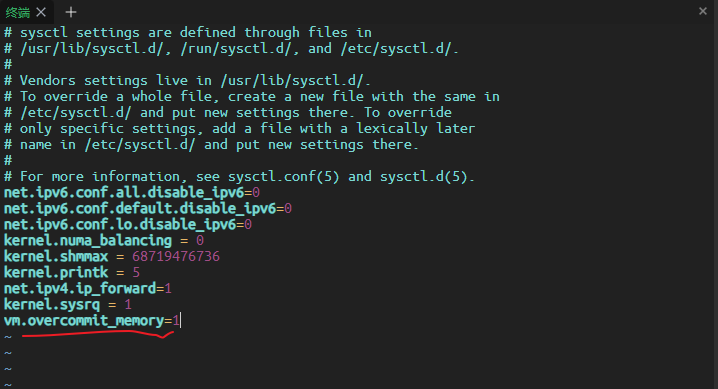
Apply:
sysctl -p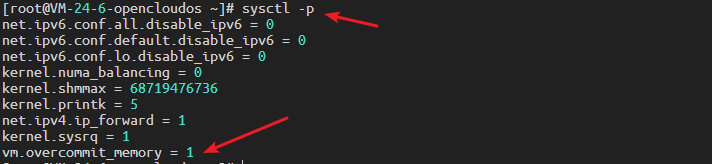
Global File Descriptor Limit
sysctl -w fs.file-max=1048576
sysctl -w fs.nr_open=1048576
echo 1048576 > /proc/sys/fs/nr_open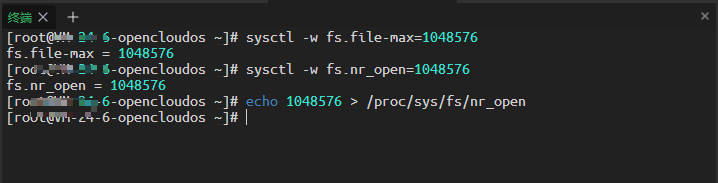
Service File Descriptor Limit
Edit systemd configuration:
vi /etc/systemd/system.confAdd:
DefaultLimitNOFILE=1048576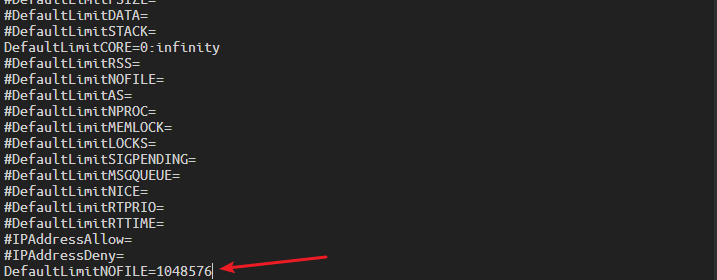
User File Descriptor Limit
Edit user limits:
vi /etc/security/limits.confAdd:
*  soft nofile 1048576
*  hard nofile 1048576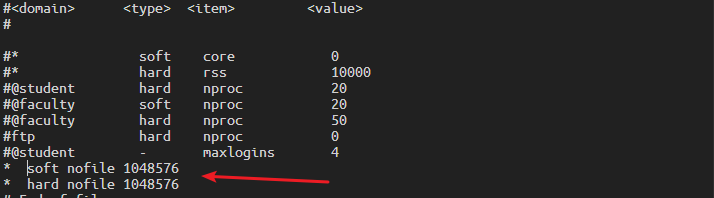
TCP Network Optimization
Increase concurrent connection queues:
sysctl -w net.core.somaxconn=32768
sysctl -w net.ipv4.tcp_max_syn_backlog=16384
sysctl -w net.core.netdev_max_backlog=16384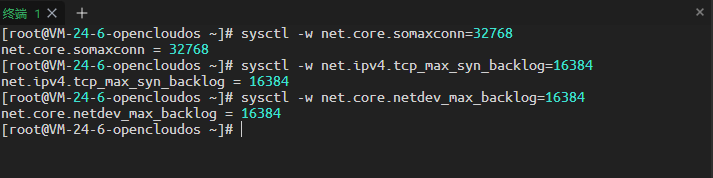
Expand the local port range:
sysctl -w net.ipv4.ip_local_port_range='1024 65535'