Kafka Installation
About 1 min
Overview
This page is the English counterpart of the Chinese Kafka Installation guide. It summarizes cluster edition operation, deployment, integration, and high-availability maintenance while keeping the document path aligned with the Chinese documentation structure.
How To Use This Page
- Follow the same operation order as the Chinese source page.
- Keep configuration values, topic names, ports, commands, and file paths consistent with your deployment environment.
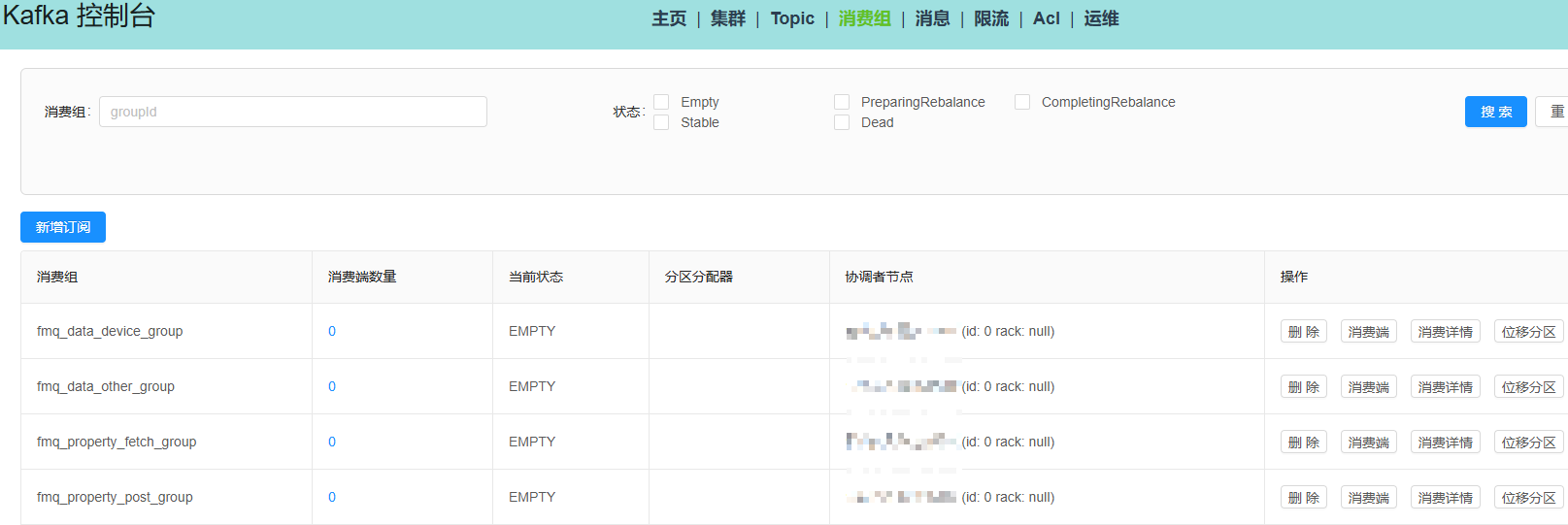
- Screenshots and diagrams reuse the Chinese documentation image directory so assets are maintained in one place.
- For production changes, validate the operation in a test environment before applying it online.
Reference Commands And Configuration
The following snippets are preserved from the source guide because commands, configuration keys, and protocol examples should remain exact.
services:
  kafka:
    image: bitnami/kafka:3.6
    container_name: kafka
    ports:
      - "9092:9092"
    environment:
      - KAFKA_CFG_PROCESS_ROLES=broker,controller
      - KAFKA_CFG_NODE_ID=1
      - KAFKA_CFG_CONTROLLER_QUORUM_VOTERS=1@localhost:9093
      - KAFKA_CFG_LISTENERS=PLAINTEXT://0.0.0.0:9092,CONTROLLER://0.0.0.0:9093
      - KAFKA_CFG_ADVERTISED_LISTENERS=PLAINTEXT://kafka:9092
      - KAFKA_CFG_LISTENER_SECURITY_PROTOCOL_MAP=PLAINTEXT:PLAINTEXT,CONTROLLER:PLAINTEXT
      - KAFKA_CFG_INTER_BROKER_LISTENER_NAME=PLAINTEXT
      - KAFKA_CFG_CONTROLLER_LISTENER_NAMES=CONTROLLER
      - KAFKA_CFG_LOG_DIRS=/opt/kafka-logs
      - KAFKA_CFG_NUM_PARTITIONS=1
      - KAFKA_CFG_DEFAULT_REPLICATION_FACTOR=1
      - KAFKA_CFG_OFFSETS_TOPIC_REPLICATION_FACTOR=1
      - KAFKA_CFG_TRANSACTION_STATE_LOG_REPLICATION_FACTOR=1
      - KAFKA_CFG_TRANSACTION_STATE_LOG_MIN_ISR=1
      - KAFKA_CFG_MIN_INSYNC_REPLICAS=1
      - ALLOW_PLAINTEXT_LISTENER=yes
    volumes:
      - kafka-data:/opt/kafka-logs
    networks:
      - kafka-network

networks:
  kafka-network:
    driver: bridge

volumes:
  kafka-data:
    name: my-kafka-data
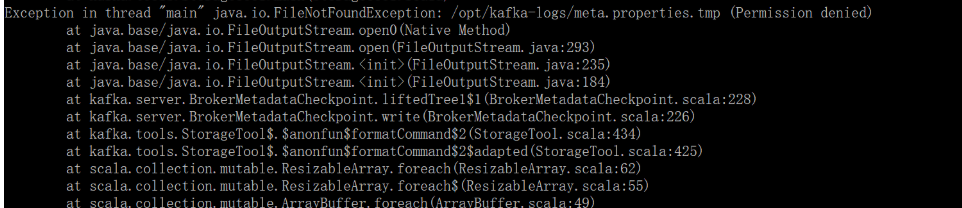
sudo ls -ld /var/lib/docker/volumes/my-kafka-data/_datasudo chown -R 1001:1001 /var/lib/docker/volumes/my-kafka-data/_data
sudo chmod -R 755 /var/lib/docker/volumes/my-kafka-data/_datadocker compose -f docker-compose.yml up -d# 使用kafka2.12版本
# JDK版本 >= 1.8 ,如果还没在Linux安装JDK,需要先安装JDK,这里不做演示
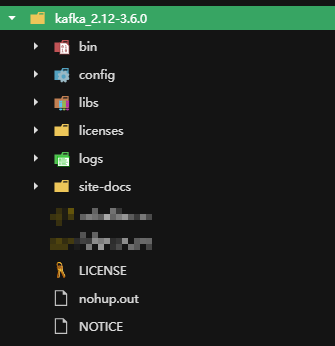
# step1 直接连接下载kafka 或 下载后导入Linux
$ wget https://archive.apache.org/dist/kafka/3.6.0/kafka_2.12-3.6.0.tgzShared Screenshots
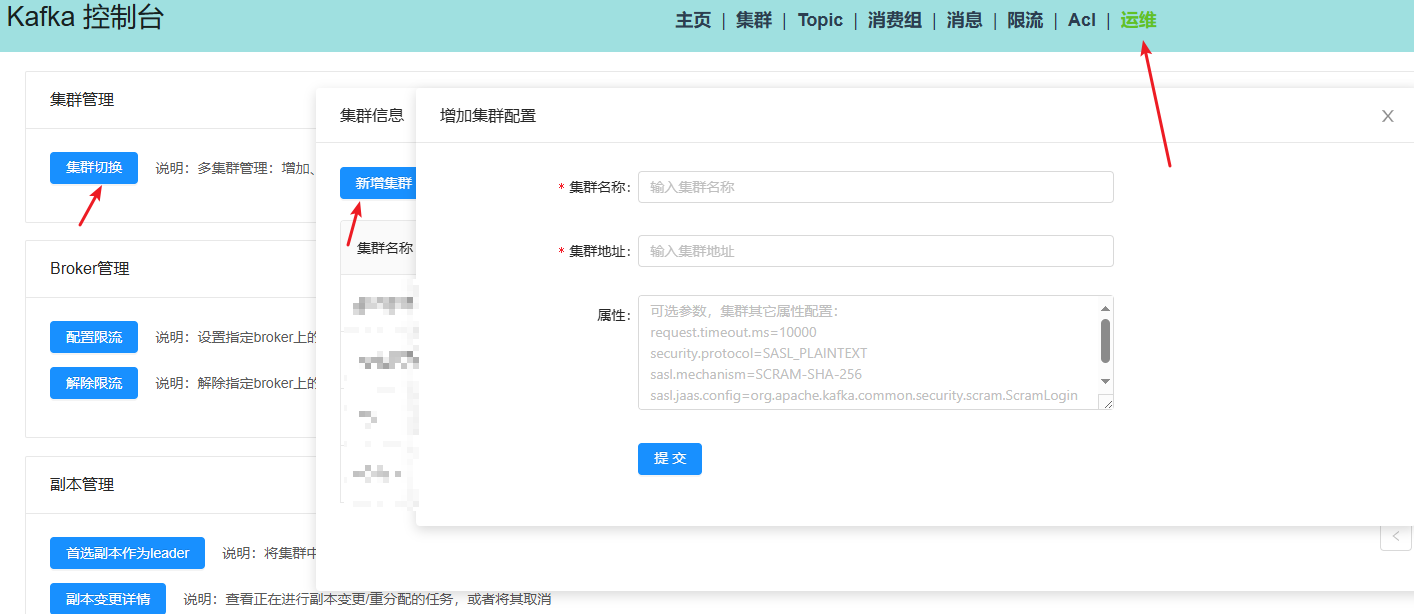
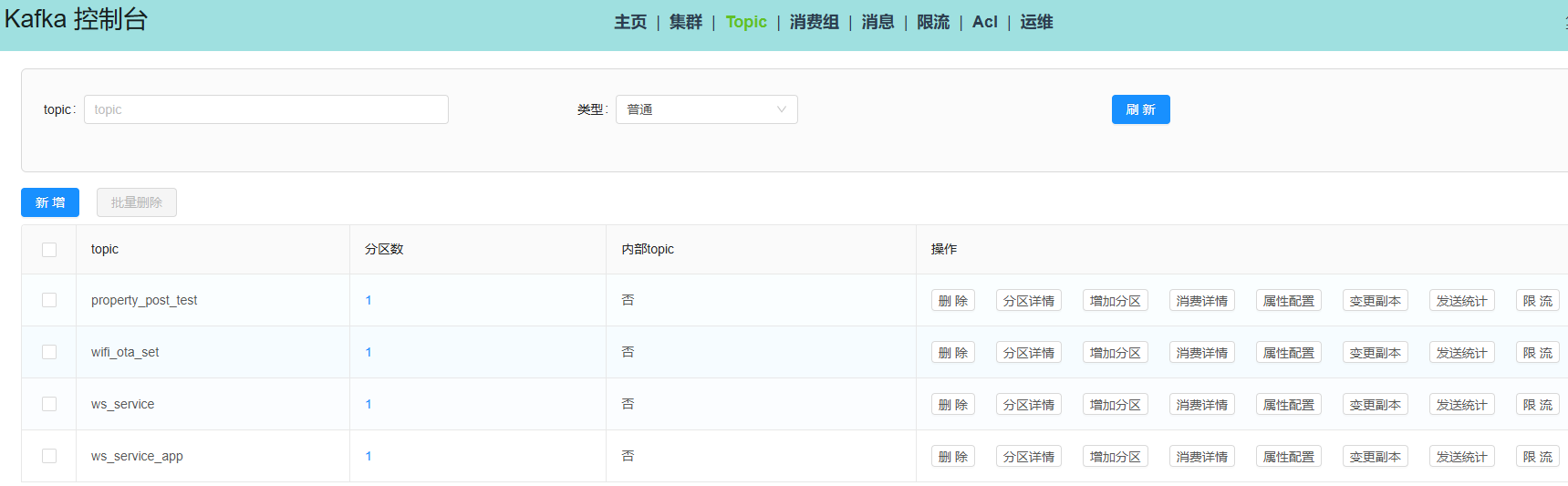
The English documentation reuses the screenshots from the Chinese source page. UI labels in screenshots may remain Chinese.